Breeze Proxy: One-tap VPN with integrated speed testing
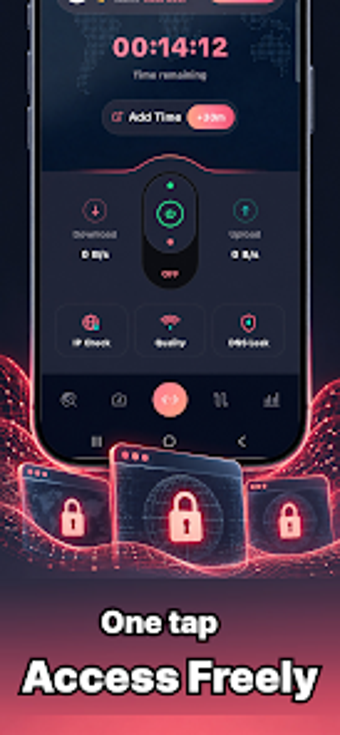
Experience a one-tap secure connection and on-device network checks: Breeze Proxy - Faster VPN connects or disconnects with a single tap and runs built-in speed tests for download, upload, and ping. Developed by OVERLAND COMPETITION LTD for Android, the app combines a global server network and session logging into a compact utilities-tools entry. It suits Android users who use public Wi-Fi and want simple privacy controls plus visible session metrics without deep configuration.
How the connection model works in practice
The app uses a one-tap VPN connection model that places a single connect button on the main screen, which establishes or terminates a secure session in one action. Breeze Proxy offers a global server network with route switching, and shows real-time connection status labels such as Connecting, Connected, and Disconnected, so users see current state without navigating submenus.
What to expect for safety and data handling
The developer declares on the app listing that the application does not collect user data and does not share data with third parties, which is the primary privacy claim provided. The app also records connection history and session details on-device, giving users logs of duration and data usage rather than relying on external dashboards.
Who can operate the tool and what skill level it requires
The interface is described as clean and simple with minimal menus, and the presence of the one-tap connection and an integrated speed test reduces configuration steps. Casual Android users can connect, run a speed test, and review session logs without technical setup, while more advanced users can switch routes among available server locations for basic routing control.
Practical assessment and the main trade-off
Breeze Proxy fills the role of a compact, easily operated VPN for Android users who need quick privacy on mobile networks and visible session metrics. The main caveat is that the privacy posture rests on the developer's declaration rather than published audits; users needing independently verified data-handling guarantees should consider that limitation. For those prioritizing fast setup and on-device monitoring, the app performs as a straightforward option.